1. Comment about your work ethic in this course and why.
My work ethic in this class wasn't the best sometimes I would do the work and most days i wouldn't
2. Which assignments did you enjoy and why?
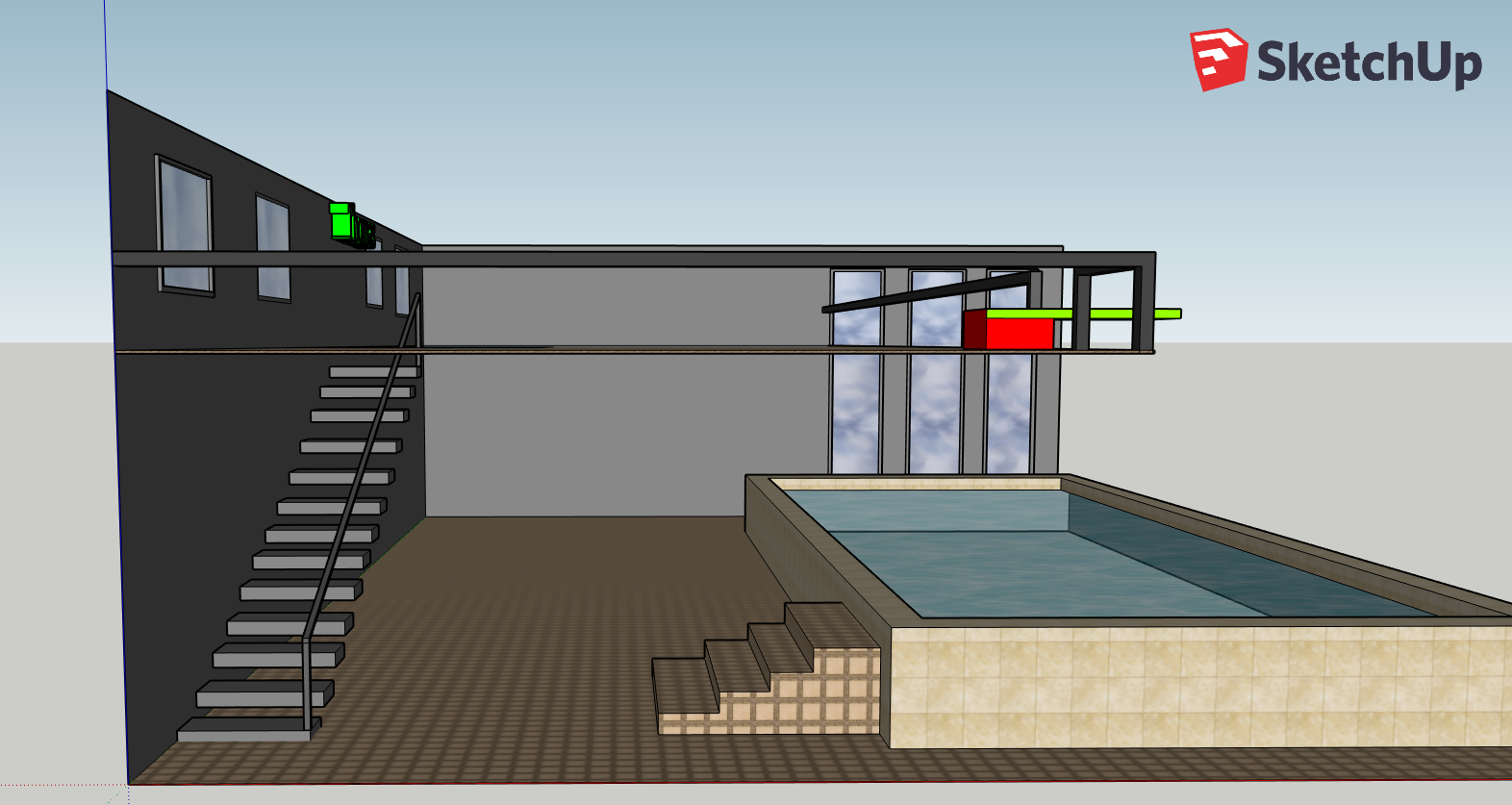
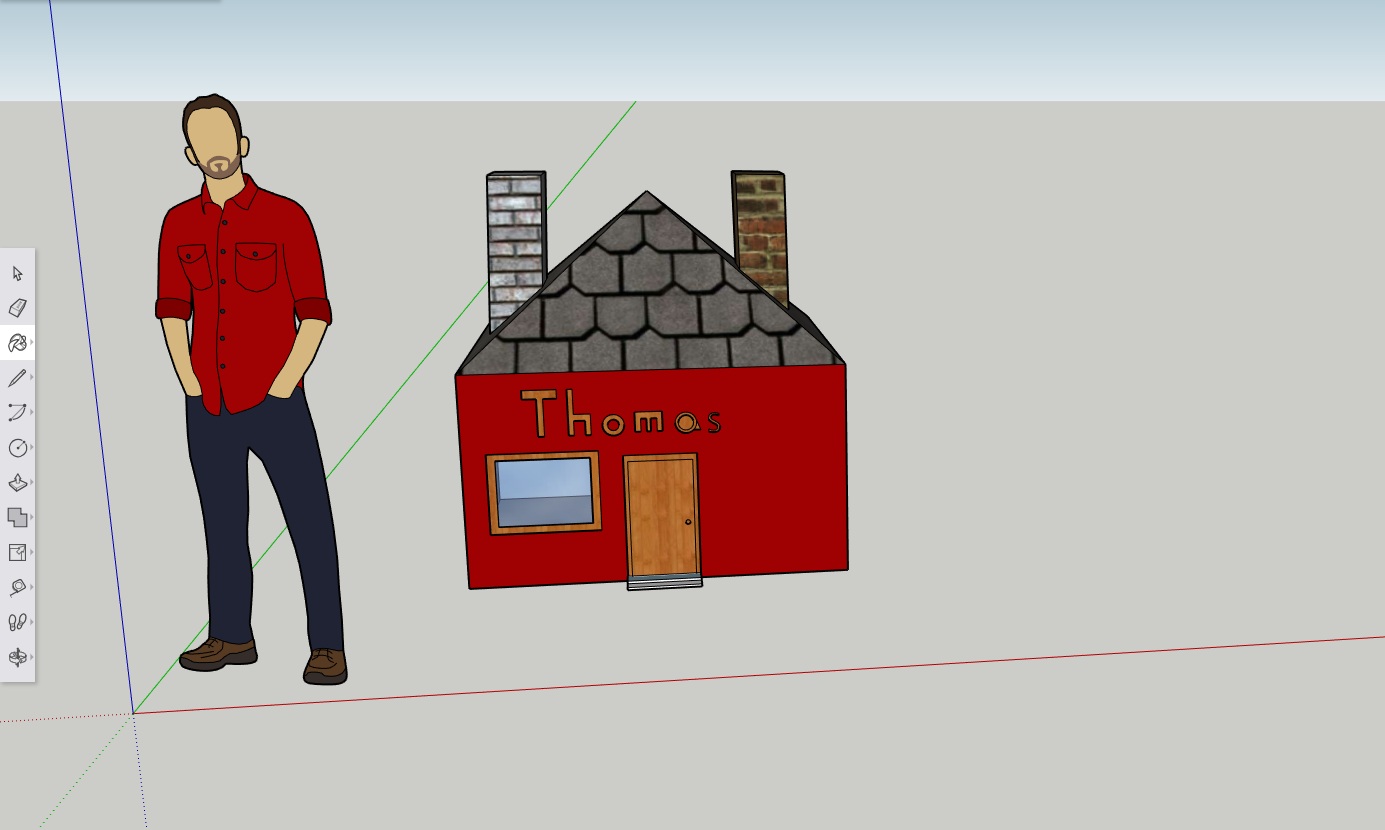
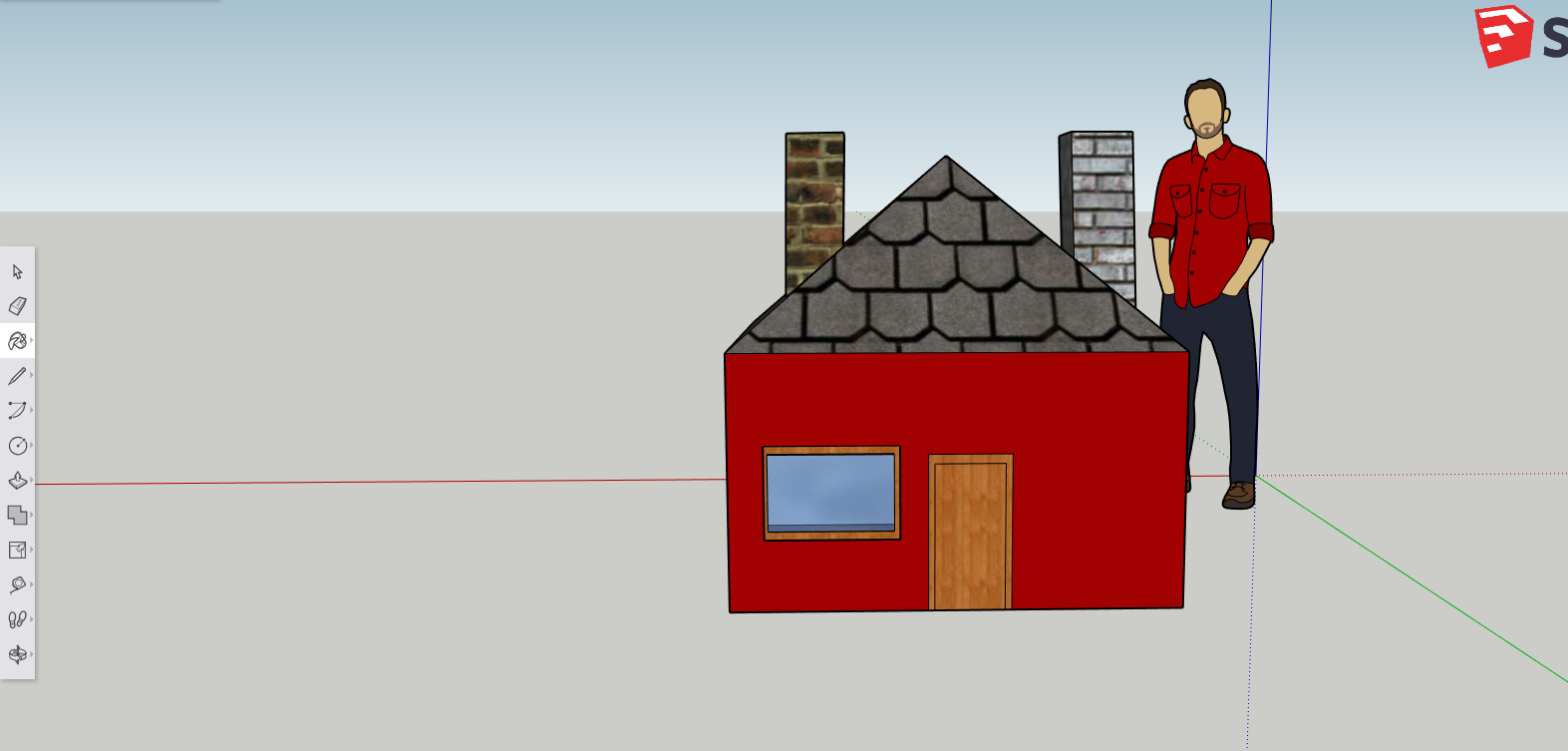
I enjoyed the Sketchup, and the minecraft project. Why because Sketchup is pretty fun and the minecraft project is one of my favorites too cause I got to build something cool with my friends.
3. Which assignments did you struggle with and why?
I struggled with the Adobe premiere why I found it a little difficult to get a hang of and the program would crash a lot.
Wednesday, 23 January 2019


Wednesday, 16 January 2019


Monday, 14 January 2019
Day 3 Raft
New thing I built today was a medium crop pot

The new thing I learned today was that you can cancel your throw when you use a hook, and a fishing rod. When you cast or throw the hook you press the right mouse click button and it will cancel. And I learned today where to get sand, clay, scrap metal. They can be found under water near the islands.
My raft
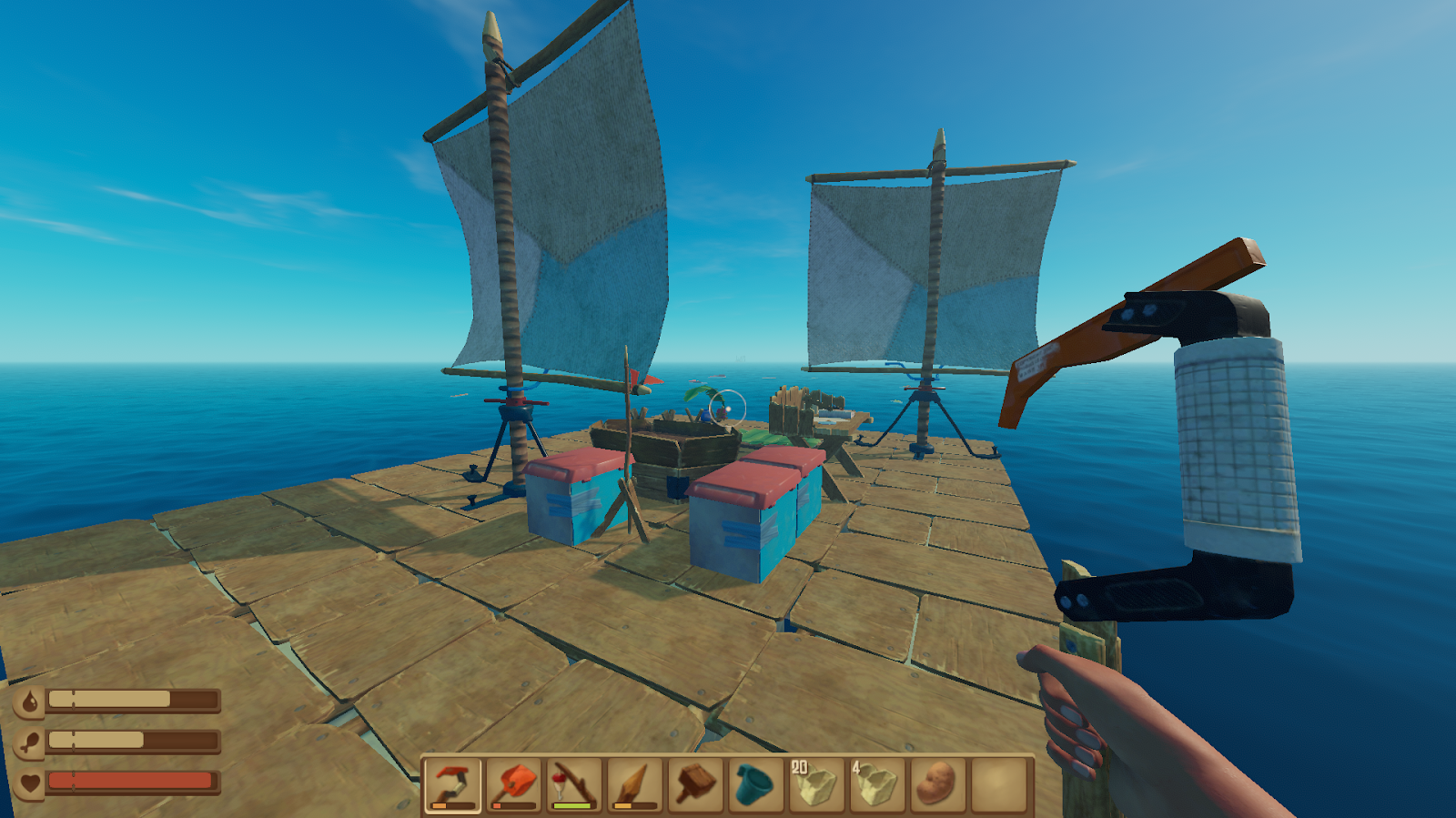
This is my new raft I'm building it this was cause its easier to get on to islands and collect supplies and easier to fight the shark and know where it is. and I keep all my stuff in the middle so the shark can't destroy any of my items and only attacks the outer layer of my raft.
Tuesday, 8 January 2019
Day 1

The game Raft is a survival based game in the middle of the ocean and you have to survive collecting material and fight against a shark that will destroy your raft by attacking it.
How to Collect materials

using the Hook

Pressing the E key on the keyboard to pick up items

My raft

Barrel best item you can get has lots of goodies inside like wood, food, nails, scrap metal, nails, rope, leaves,

Wooden planks used to build and good fire fuel
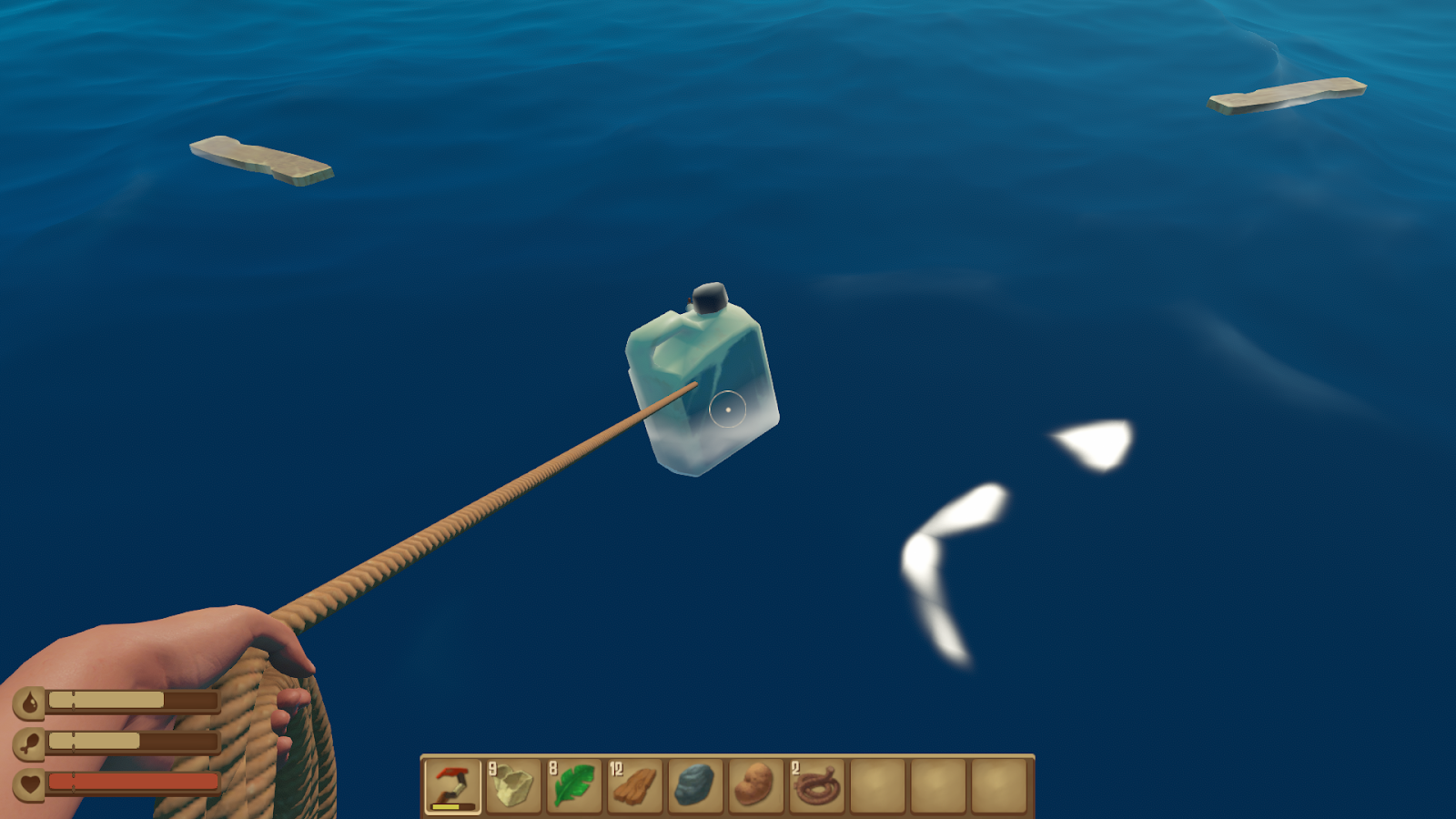
Plastic used for crafting the hook, or paddle

Leaf can be used to make rope
Tuesday, 11 December 2018


Wednesday, 5 December 2018

Tuesday, 4 December 2018




Friday, 30 November 2018
Thursday, 22 November 2018
Project 2 slideshow
I made the video in Adobe Premier how I made the effect and the transitions are very easy you go to the effects tab on the top and there're video effects, transitions. How I got the music in my slide show you go onto youtube and copy the link them you find a youtube mp3 converter and download the the youtube video you want and then you just drag the file into Adobe premier and the video will go into your task bar.
Wednesday, 24 October 2018
Project 1 Slideshow
I made this slide in Adobe Premier Pro
How you make the slide show is you get images of anything you want off of google images and you download them and you go to your computer files and click on downloads and drag and drop the image to your sequence tab. And to add effects you go to the effects tab and go to video effects and you drag and drop them between your photos and it will give you a cool effect when our photo is done being showed on that slide. How to add audio is very easy you go onto youtube and find a song that you like and copy the link and google youtube to mp3 converter for youtube it will download the video onto your computer then. You will go to your files, go to downloads and then finally drag and then drop it in to your sequence bar and the audio will be working.
Thursday, 20 September 2018



Subscribe to:
Posts (Atom)